SurfUp manages client projects of different sizes, while work updates used to be spread across messengers, spreadsheets and email. Clients had to ask for updates separately, so the studio created its own workspace.
Bring project progress and work signals together in one client workspace.
Each project needed visible tasks, stages and search-visibility monitoring. Reporting should no longer be a manual task for managers, and signals such as ranking drops or technical errors needed to reach the responsible team before the client noticed them.
We designed and built a separate React application with its own access logic: a full product with its own development cycle, rather than a pass-through page.
- Designed the product around client and manager workflows, the Projects, Tasks and Monitoring sections, and role-based access.
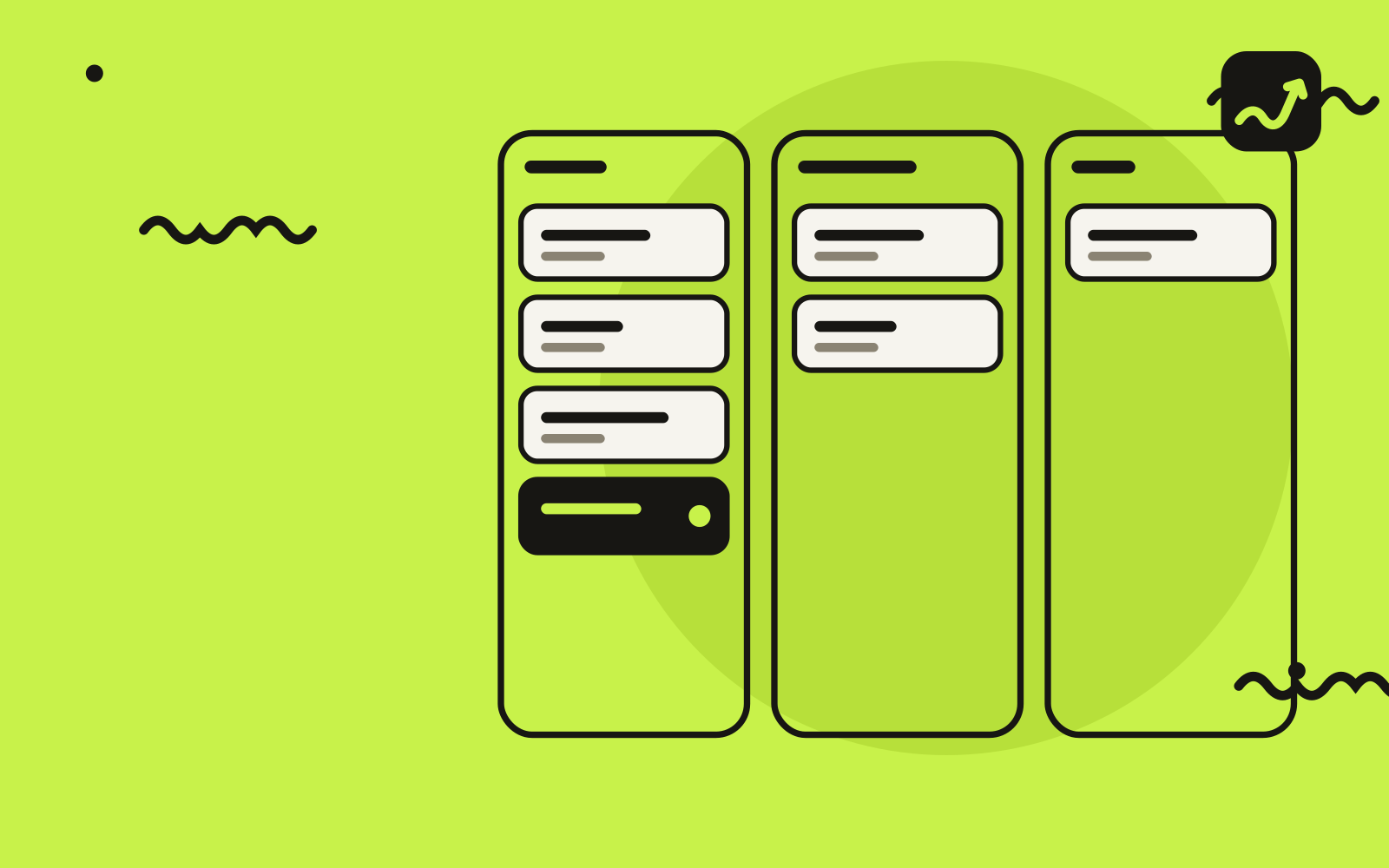
- Built the React interface with project cards, task timelines, statuses and a change history for each workstream.
- Deployed it in a separate environment (app.surfup.dev), independent of the main website, so product updates do not affect the corporate site.
- Set up a limited integration with SEO Control through an API that restricts each user’s access to their own data: the workspace receives search signals without access to the other services’ full data.
- Integrated monitoring into the workflow so ranking, technical-check and task signals appear in the workspace automatically.
Alongside the product, we organized the workflow: every task gained an owner and a deadline, and clients gained a clear way to check project status without asking a manager. The workspace became the framework for the studio’s client communications.
The client workspace became part of the studio’s daily work. Preparing a client report fell from about 2–3 hours to 30 minutes, and clients gained status access for every active project.
| Metric | Result |
|---|---|
| Client report preparation | 2–3 hours → about 30 minutes |
| Active projects with client status access | 0% → 100% |
Metrics are transcribed from the original case materials. A period is stated where it is recorded in the source.
The product continues to develop, with clear opportunities to expand:
- GEO monitoring of brand impressions and mentions in AI service answers alongside traditional search monitoring.
- Automatic client reporting: assemble a quarterly report in one click from data already stored in the workspace.
- A mobile workspace with project statuses and notifications on the client-side lead’s phone.